









Test Your Keyboard, Mouse, Screen & Audio Online

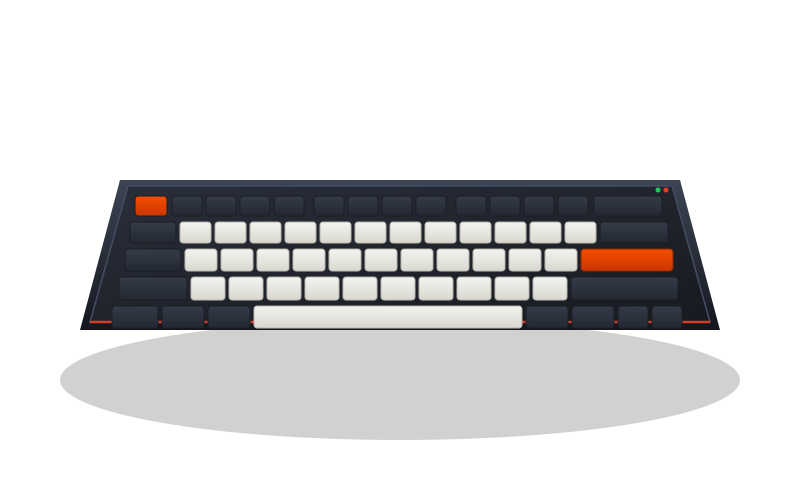
Mechanical Keyboard 3/4 View Studio Render

Keyboard Tester

Observe key presses, combinations and short repeat intervals on a virtual keymap with ANSI layouts and Mac/Win modifiers.

AVAILABLE • READY

  • 104 Keys
  • Win / Mac
  • Key Combinations
  • Short Interval (<40ms)
Launch Keyboard Tester →

Local diagnostic input processing

Diagnostic Directory & Hardware Bench Guides

Direct instrument access and technical troubleshooting documentation.

Local Diagnostics

All keypresses, button clicks, and hardware metrics are processed strictly in client-side browser memory. Google advertising uses third-party connections and may use cookies.

Browser Event Tools

Observe local input events without an account; timing depends on the browser and device.

Honest Hardware Metrics

Transparent browser event loop timestamps without pseudo-scientific claims. We test what browsers can measure accurately without inventing unverified hardware bus figures.

Keyboard Troubleshooting & Symptom Diagnostics

What Causes Keyboard Chattering (Double Typing)?

APtester flags a non-repeat keydown received less than 40 ms after keyup for the same key. This browser interval is a clue to compare with intended input, not proof of switch damage, wear or physical response time.

  1. Press and release the key at a normal, deliberate rhythm.
  2. Compare the Event Inspector interval and repeat flag with your intended presses.
  3. A red badge marks a short browser interval, not a confirmed hardware fault.
  4. Repeat in another application; check settings and manufacturer support before repairs.

What is Key Ghosting and N-Key Rollover (NKRO)?

The keymap shows combinations of key events received by the browser. Missing events can depend on shortcuts, focus, settings or the device; this test does not certify NKRO or a fixed hardware rollover limit.

  1. Keep this page focused and hold a familiar combination such as Shift + W + Space.
  2. Compare the Live Active count and highlighted keys with the keys you are holding.
  3. Release the keys and repeat the same combination in another application.
  4. Check shortcuts and device documentation before attributing missing events to hardware.

Frequently Asked Questions

Are my keystrokes or peripheral inputs sent to any remote server?

APtester processes diagnostic inputs locally and does not upload them. This site also uses Google AdSense, which connects to Google and may use cookies and process advertising data.

Can browser testing measure true 1000Hz or 8000Hz USB hardware polling rates?

No. Modern web browsers run on the operating system event loop and cannot directly access raw hardware USB bus clocks. APtester measures accurate browser DOM event loop timestamps and intervals, not raw microsecond electrical hardware polling.

Why doesn't the Fn key or system power button register?

Hardware Fn keys and power buttons are managed directly by laptop firmware or OS kernel layers and do not emit standard browser KeyboardEvent signals. This is a deliberate platform security sandbox limit, not a hardware fault.